
MAG 254 · 256 · 322 · 324 · 420 · 524 · STB EMU
How to set up IPTV on MAG / STB boxes
MAG boxes are the gold-standard set-top boxes for IPTV. Send us your MAC address, we map your ipSmart subscription, you reboot — done.
View ipSmart Plans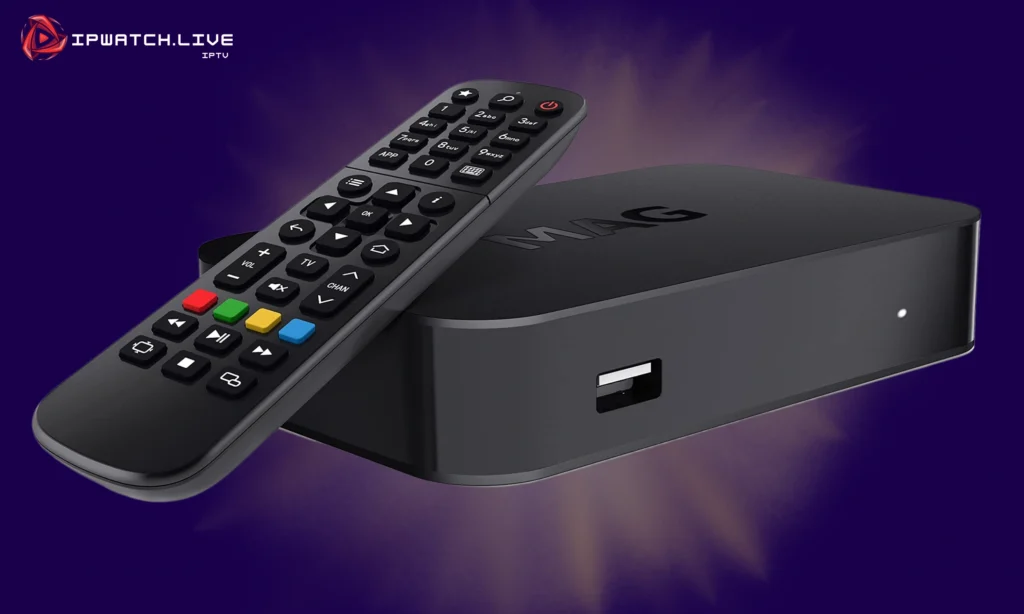
MAG / STB portal — universal setup
Before you start
MAG / STB devices are MAC-based: the device identity is the MAC address printed on the back. You share it with ipSmart, we provision your portal, you reboot.
Step 1 — Send us your MAC address
-
1
Find the MAC address printed on the bottom of your MAG box (it looks like
00:1A:79:XX:XX:XX). -
2
Send it to us via email at support@ipsmart.live or WhatsApp.
-
3
Connect the MAG to your TV with HDMI and power it on. Connect it to the internet via Ethernet or Wi-Fi.
Step 2 — Access the settings
-
1
On the home screen, click the gear icon or open Settings.
Step 3 — Configure the portal
-
1
Open System Settings → Servers → Portals.
-
2
Enter Portal 1 Name: anything you like (e.g. "ipSmart").
-
3
Enter Portal 1 URL: the URL we send after activation.
-
4
Save and exit.
Step 4 — Reboot
-
1
From the main menu, choose Restart Portal — or power-cycle the device.
-
2
Wait for the portal to load. Your ipSmart channels, movies and series appear within seconds.
Pro tips
- Use Ethernet whenever possible — MAG boxes deliver their best stability over wired networks.
- Lock the screen-resolution to 1080p60 for the smoothest sports playback (or 4K if your model supports it).
- Keep the MAG firmware up to date — older versions sometimes drop portal connections.
Need a hand?
If anything in this guide is unclear, ipSmart's 24/7 support team will set you up over chat in minutes — no charge.
Email Support All Device Guides